

Overview
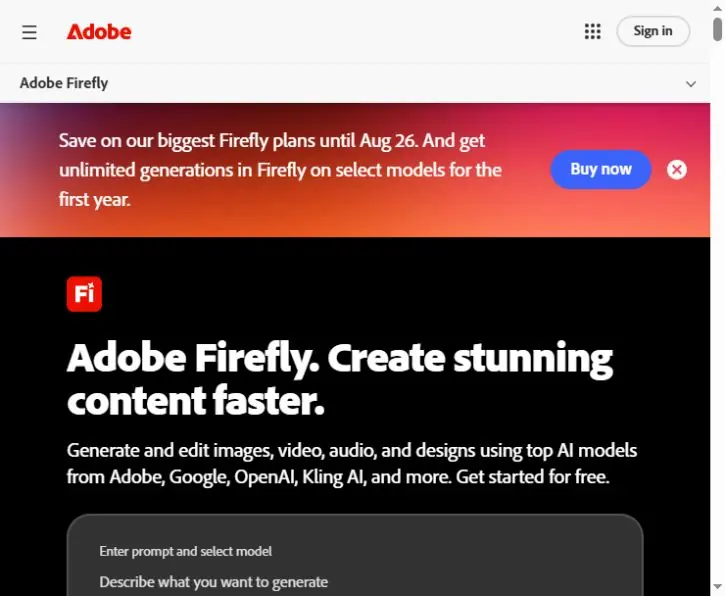
Adobe Firefly is a generative AI platform for creating and editing images, video, audio, and design assets.
Adobe Firefly is Adobe’s generative AI platform for creating and editing images, video, audio, and design assets. It brings prompt-based generation into a web experience and connects with Adobe creative workflows, helping designers, marketers, photographers, and content teams move from an idea to editable production assets faster.
What Adobe Firefly does
Firefly can generate new visual content from text prompts and make targeted changes to existing assets. Depending on the tool and plan, creators can use features such as Generate Image, Generative Fill, Generative Expand, text effects, video generation, audio tools, and collaborative ideation in Firefly Boards.
The platform is most useful when AI generation is part of a larger creative process. Instead of treating an output as final, users can refine prompts, adjust composition, combine assets, and continue editing in compatible Adobe applications.
Best uses for Adobe Firefly
Firefly fits campaign ideation, social graphics, product mockups, presentation visuals, concept art, image cleanup, background extension, and rapid creative variations. It is also useful for teams that already rely on Adobe software and want AI capabilities closer to their production workflow.
How to get better results
- Describe the subject, style, lighting, composition, and intended format.
- Create several variations before choosing a direction.
- Use reference controls where available to improve consistency.
- Refine the strongest result with fill, expand, or Adobe editing tools.
- Review rights, brand guidelines, factual accuracy, and disclosure requirements before publishing.
Pricing and access
Adobe provides limited free access and several paid Firefly plans with different generative-credit allowances and feature limits. Creative Cloud plans may include additional Firefly access. Pricing changes by region and over time, so check the official Firefly plans page before choosing.
Adobe Firefly verdict
Adobe Firefly is a practical option for creators who want prompt-based generation combined with professional editing workflows. Its main advantage is the connection between fast AI experimentation and established Adobe production tools. Final outputs still require human review for quality, originality, permissions, and brand consistency.
Compare its creative workflow with Canva, discover more resources in the Newest AI directory, or review current features on the official Adobe Firefly page.
Key features
- Text to image
- Generative Fill
- Generative Expand
- Video generation
- Audio tools
- Firefly Boards
- Adobe Creative Cloud integration
Best for
Designers, marketers, photographers, creative teams, and Adobe Creative Cloud users
Use cases
- Create campaign visuals
- Generate image concepts
- Remove or replace image elements
- Extend backgrounds and compositions
- Create short video or audio assets
- Build mood boards and creative directions
Pros
- Strong Adobe workflow integration
- Multiple creative generation and editing tools
- Useful for rapid visual ideation
- Supports web and mobile workflows
- Editable production path
Considerations
- Generative credits and limits vary by plan
- Some features or models may be region dependent
- Outputs require quality and rights review
- Advanced editing may need other Adobe apps
Frequently asked questions
Is Adobe Firefly free?
Adobe offers limited free access, while paid plans provide more generative credits and advanced capabilities.
What can Adobe Firefly generate?
Firefly can create and edit images, video, audio, and design assets using supported tools and models.
Does Firefly work with Photoshop?
Yes. Firefly capabilities are integrated into eligible Adobe applications, including Photoshop features such as Generative Fill.
Who should use Adobe Firefly?
It is best suited to designers, marketers, photographers, creators, and teams already working in Adobe workflows.
Do Firefly outputs need review?
Yes. Review quality, permissions, brand fit, factual accuracy, and any disclosure requirements before publishing.