

Overview
Canva combines visual design, templates, collaboration, and AI-assisted creation in one accessible workspace.
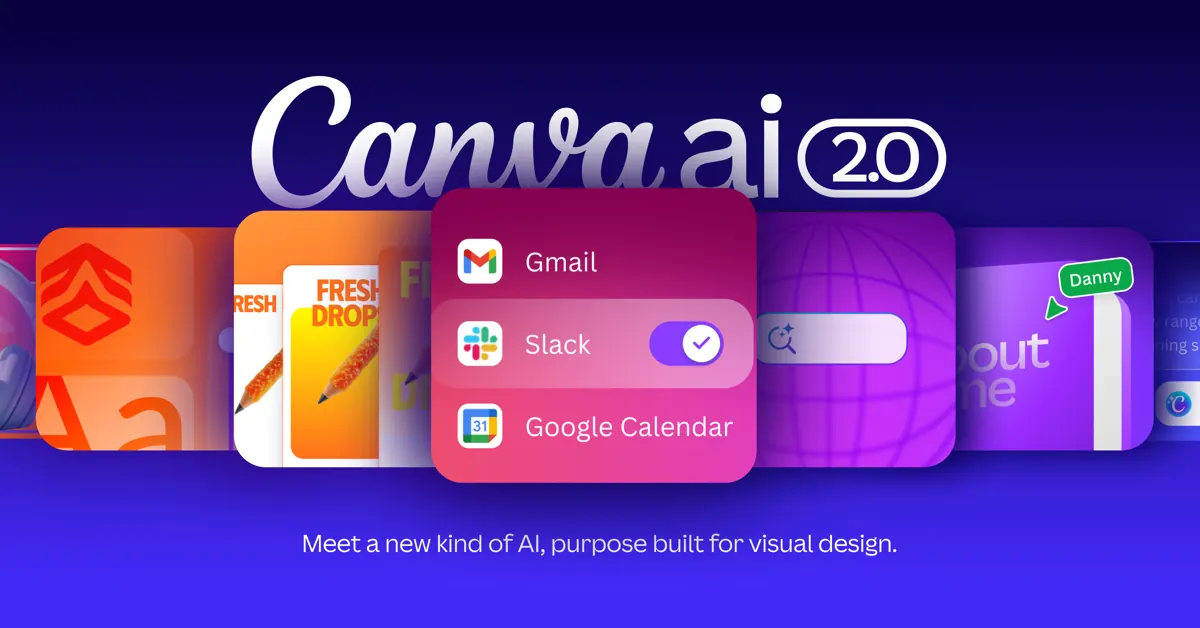
Canva is an all-in-one visual communication platform that combines drag-and-drop design tools, templates, collaboration, and AI-assisted creation in a single browser-based workspace. Canva AI helps users move from an idea or prompt to editable designs, documents, presentations, social graphics, images, and interactive experiences without starting from a blank canvas.
What Canva AI does
Canva AI brings conversational creation into the Canva editor. You can describe what you want to make, generate an initial design, and then continue editing the result with familiar Canva controls. The platform can help create images, text, charts, layouts, templates, and other design elements while keeping the output editable.
The practical advantage is workflow continuity: brainstorming, drafting, visual production, feedback, and export can happen in one place. This makes Canva useful for marketers, creators, educators, small businesses, and teams that need polished content without a complex professional design stack.
Who is Canva best for?
Canva is especially helpful for people who need to create a high volume of visual content quickly. Social media managers can produce campaign variants, teachers can create lessons and worksheets, entrepreneurs can prepare pitch decks and promotions, and distributed teams can review designs together.
Professional designers may still prefer specialist tools for advanced vector, photo, or motion work. Canva is strongest when speed, accessibility, reusable templates, and collaboration matter more than deep technical control.
How to use Canva effectively
- Start with a clear outcome, audience, and format.
- Use Canva AI or a relevant template to create a first draft.
- Replace generic copy and visuals with accurate, brand-specific material.
- Check typography, spacing, accessibility, and mobile readability.
- Export in the right format or publish directly from Canva.
Pricing and access
Canva provides a free plan with access to core design features and a range of AI tools. Paid plans add higher usage limits and advanced team, brand, content, and AI capabilities. Because plan inclusions and limits can change, confirm the current details on the official Canva pricing page.
Canva AI verdict
Canva is a strong choice for fast, approachable visual production. Its biggest strength is not a single AI feature; it is the way AI-assisted creation connects with templates, editing, collaboration, and publishing. Review generated text and imagery before use, confirm factual claims, and follow your organization’s brand and copyright policies.
Compare its visual creation workflow with Adobe Firefly, explore more practical resources in the Newest AI directory, or review current capabilities on the official Canva AI page.
Key features
- Prompt-based design creation
- AI image generation and editing
- Magic Write
- Canva Code
- Editable templates
- Brand Kit and team collaboration
- Multi-format publishing
Best for
Marketers, content creators, educators, small businesses, social media teams, and non-designers
Use cases
- Create social media graphics
- Build presentations and documents
- Generate and edit images
- Draft and rewrite marketing copy
- Create classroom resources
- Produce branded campaign assets
Pros
- Easy drag-and-drop workflow
- Large template library
- AI tools inside an editable design platform
- Strong collaboration and brand features
- Works across many content formats
Considerations
- Advanced controls may require specialist design software
- AI usage limits depend on plan
- Generated content still needs review
- Some assets and features are premium
Frequently asked questions
Is Canva free to use?
Yes. Canva offers a free plan with core design features and access to a range of AI tools, while paid plans add higher limits and advanced capabilities.
What can Canva AI create?
Canva AI can help create editable designs, images, text, charts, templates, and interactive experiences from prompts.
Is Canva suitable for professional work?
Yes for many marketing, education, content, and brand workflows, though advanced specialists may still need dedicated professional software.
Can teams collaborate in Canva?
Yes. Canva supports shared projects, comments, approvals, brand controls, and real-time collaboration depending on the plan.
Should Canva AI output be reviewed?
Yes. Check accuracy, licensing, brand consistency, accessibility, and visual quality before publishing.