

Overview
Grammarly is an AI writing assistant for correctness, clarity, tone, rewriting, and everyday communication.
Grammarly is an AI-powered writing assistant that helps improve correctness, clarity, tone, and communication. It works across web, desktop, and mobile workflows, offering suggestions while users write emails, documents, messages, reports, and marketing content.
What Grammarly does
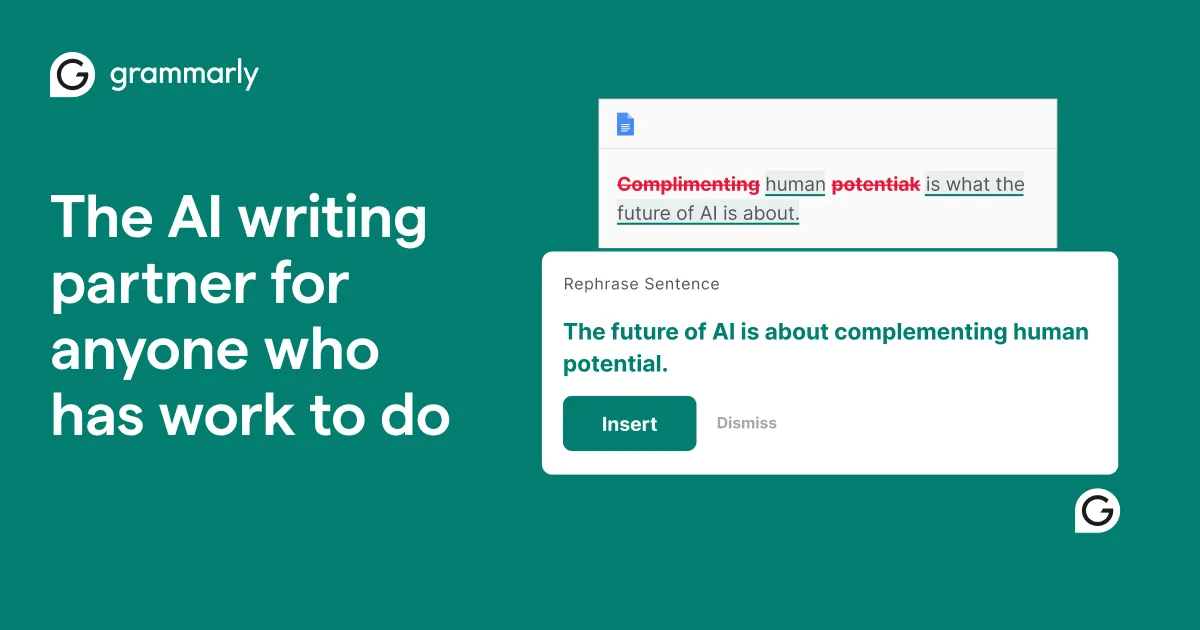
Grammarly reviews text as you write and highlights issues that may affect readability or professionalism. Beyond spelling and grammar, it can suggest clearer phrasing, adjust tone, rewrite sentences, and help generate or transform content with AI prompts.
The tool supports the writer rather than replacing judgment. Suggestions can save editing time, but important work still needs human review for meaning, context, facts, confidentiality, and voice.
Who is Grammarly best for?
Grammarly is useful for students, professionals, marketers, support teams, job seekers, non-native English writers, and anyone who communicates regularly in English. Teams can also use shared style and brand guidance on eligible organizational plans.
Practical use cases
Common uses include polishing business emails, editing reports, improving resumes, refining marketing copy, checking academic drafts, rewriting customer replies, and adapting a message to a different audience or tone.
Pricing and privacy
Grammarly offers a free plan for core writing assistance, plus paid Pro and Enterprise options with expanded AI, rewriting, style, and organizational features. Verify current inclusions on the official Grammarly plans page. Grammarly states that it does not sell user data or allow third parties to train models on it; users should still follow workplace policies when entering sensitive text.
Grammarly verdict
Grammarly is a practical everyday writing companion, especially for fast editing and tone checks across multiple apps. Accept recommendations selectively so the final text remains accurate, natural, and appropriate for the audience.
Compare its writing support with ChatGPT, browse more productivity tools in the Newest AI directory, or review current plans and features on the official Grammarly website.
Key features
- Grammar and spelling checks
- Clarity suggestions
- Tone guidance
- AI drafting and rewriting
- Sentence rewrites
- Plagiarism and authorship tools on eligible plans
- Cross-app integrations
Best for
Students, professionals, marketers, support teams, job seekers, and English-language writers
Use cases
- Polish emails and messages
- Edit reports and documents
- Improve resumes and cover letters
- Rewrite marketing copy
- Adjust tone for an audience
- Draft and summarize content
Pros
- Real-time writing feedback
- Works across many apps and devices
- Useful free plan
- Clear explanations and rewrite options
- Team style and brand support on eligible plans
Considerations
- Suggestions can change the writer's intended meaning
- Advanced features require paid plans
- English support is strongest
- Sensitive text should follow workplace policies
Frequently asked questions
Is Grammarly free?
Yes. Grammarly offers a free plan for core writing assistance, with paid Pro and Enterprise options for expanded features.
What does Grammarly check?
It checks spelling, grammar, clarity, tone, and other writing issues, with additional AI and rewriting tools depending on the plan.
Can Grammarly write content with AI?
Yes. Grammarly can help draft, rewrite, summarize, brainstorm, and adapt text using AI prompts.
Where does Grammarly work?
Grammarly supports the web, desktop and mobile apps, browser extensions, and selected integrations.
Should every Grammarly suggestion be accepted?
No. Review each suggestion for accuracy, context, voice, confidentiality, and the intended meaning.