
AI Chatbot Conversations Archive: How to Save, Find, and Manage Chats
Ever spent 20 minutes searching for an AI conversation that took only two minutes to write? You’re not alone in […]
Read article →Creating a professional presentation can take hours. You need to research the topic, organize ideas, write slide content, choose a […]

Creating a professional presentation can take hours. You need to research the topic, organize ideas, write slide content, choose a suitable layout, find visuals, create charts, and make sure every slide follows a consistent design.
AI presentation tools are changing this workflow, and ChatPPT is one of the tools designed to make presentation creation faster.
This guide explains what ChatPPT is, how it works, its major features, who can use it, its advantages and limitations, and what to consider before choosing an AI presentation generator.
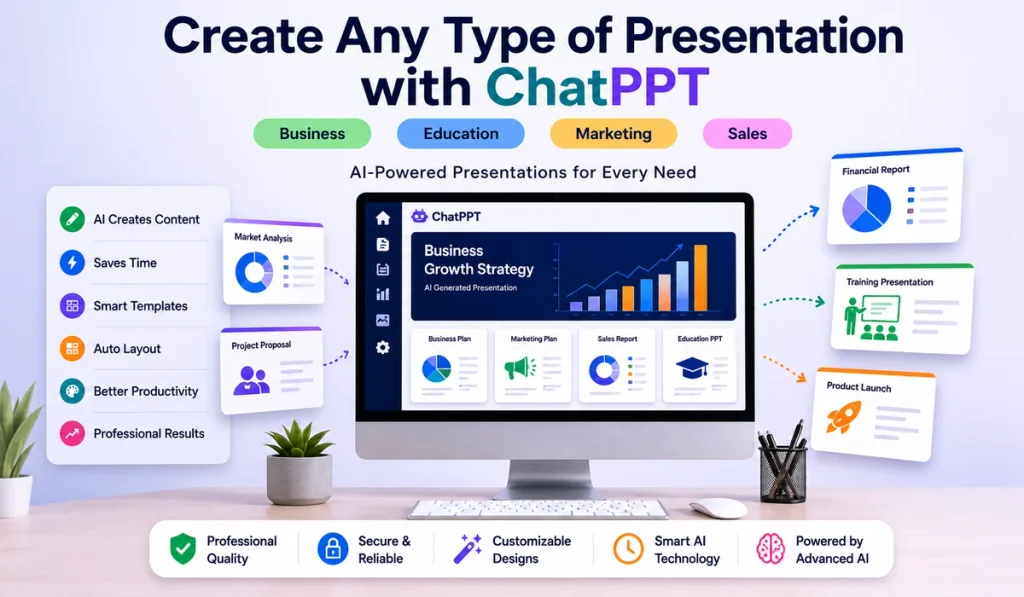
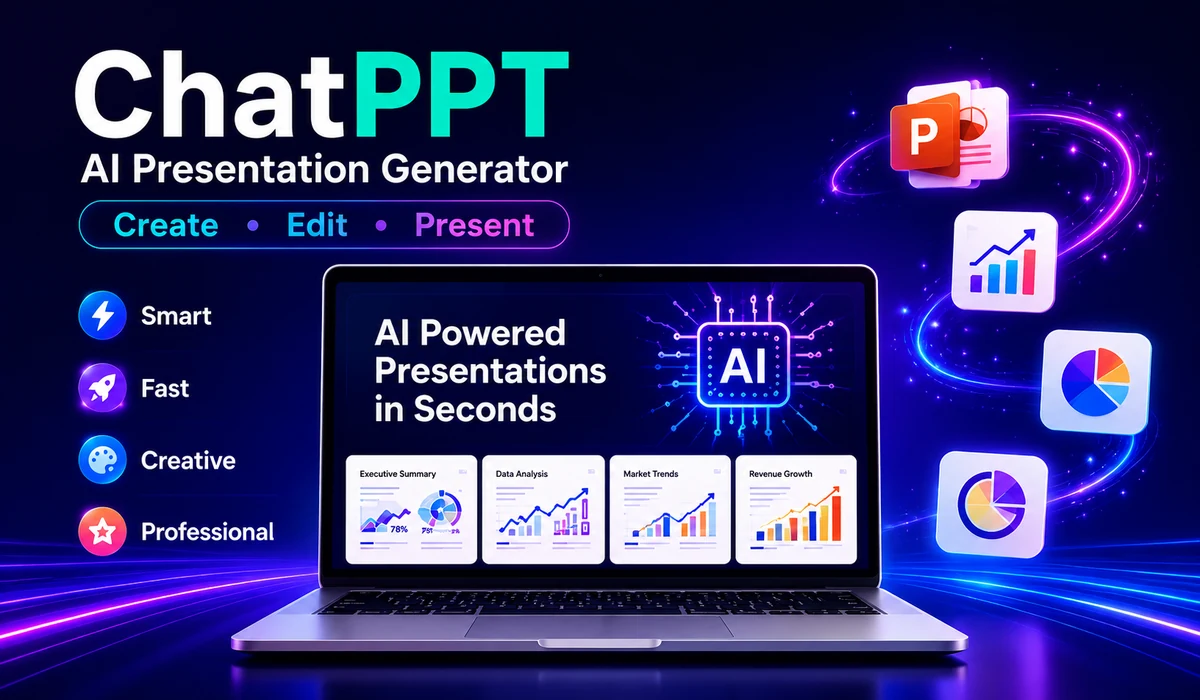
ChatPPT is an AI-powered presentation creation platform designed to help users generate and improve presentations with artificial intelligence.
Instead of manually building every slide from scratch, users can provide a topic or source material and use AI to help develop the presentation's structure and content.
In simple terms, ChatPPT combines AI-assisted content generation with presentation creation.
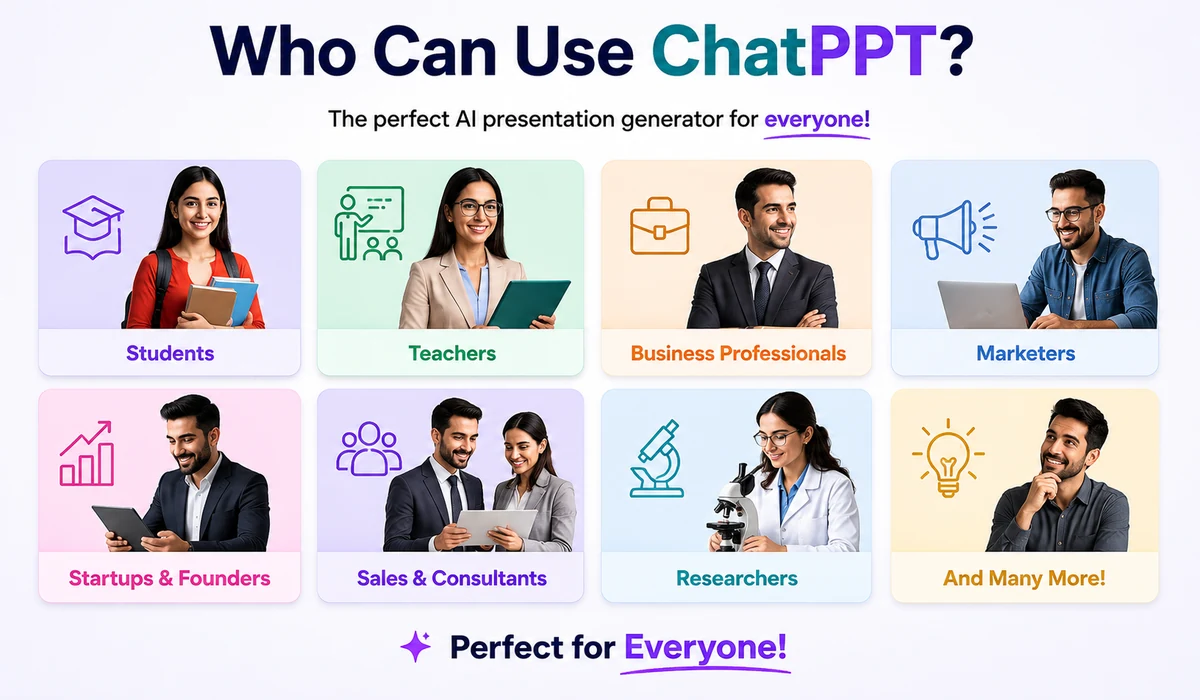
This makes it relevant to students, teachers, business professionals, marketers, founders, researchers, sales teams, and other users who regularly create presentations.
ChatPPT is designed to reduce several manual steps involved in creating presentations.
Depending on the feature being used, an AI presentation workflow can help with tasks such as:
The objective is not simply to generate text.
A useful AI presentation tool must turn information into a structure that works in a visual presentation.

The basic workflow is relatively straightforward.
Start by telling the AI what presentation you want to create.
For example:
“Create a presentation about the future of renewable energy.”
A more detailed prompt normally gives the system more context:
“Create a 12-slide executive presentation about the global renewable energy market. Cover market growth, solar and wind energy, investment trends, challenges, opportunities and a five-year outlook. The audience is business executives.”
You may also be able to start from existing source material rather than a short topic.
The system interprets the request and develops a logical presentation structure.
A renewable-energy deck, for example, might contain:
This can save considerable time compared with manually planning a presentation.
After creating the structure, AI can produce relevant content for individual slides.
The quality of this stage depends heavily on the original instructions.
A vague prompt may produce generic slides.
A detailed prompt specifying the audience, objective, industry, tone, number of slides, and important subjects generally provides a stronger starting point.
Presentation generation is different from ordinary AI writing.
The content must also be converted into a usable visual structure.
Headings, text blocks, images, charts, icons and other visual elements need appropriate placement and hierarchy.
AI presentation software attempts to automate part of this design process.
AI-generated presentations should not automatically be treated as finished work.
Users should check:
This step is especially important for academic, medical, legal, financial, technical or business-critical presentations.
After reviewing and editing the presentation, users can prepare it for delivery or export it to a supported format.
The core purpose of ChatPPT is AI-assisted presentation creation.
A user provides an idea or source material and AI helps transform it into structured slides.
This can substantially reduce the blank-page problem.
Instead of starting with an empty presentation, the user receives a draft that can be reviewed and customized.
One of the most useful applications of generative AI for presentations is converting a short topic into a complete presentation structure.
This is particularly useful when speed matters.
For example, a user might request:
“Create a presentation explaining cybersecurity awareness for employees.”
The AI can then create sections covering passwords, phishing, social engineering, device security and reporting suspicious activity.
Long documents are often difficult to convert manually into slides.
AI can help identify important themes, condense lengthy information and reorganize the material into presentation-friendly sections.
This can be useful for:
However, the final slides should still be checked against the original source.
A good presentation requires a logical sequence.
An AI-generated outline can help establish that sequence before the detailed slides are created.
This is valuable because presentation quality depends on more than visual design. A beautiful deck with a weak narrative can still fail to communicate effectively.
AI can also be useful after a presentation has already been created.
Rather than generating an entirely new deck, users may want assistance improving its structure, appearance or content.
This is particularly useful when an existing presentation contains valuable information but needs a more professional presentation.
Templates help users maintain consistency across a deck.
Business presentations, educational lessons, marketing proposals and annual reports usually require very different visual styles.
A presentation generator therefore needs to consider both content and context when selecting a suitable visual structure.
Business and research presentations frequently contain numerical information.
Turning data into charts can make complex information easier to understand.
Whenever AI creates or modifies a chart, however, users should verify that the chart accurately represents the underlying data.
A visually impressive chart containing incorrect information is worse than a simple but accurate chart.
Export capability matters because presentations often need to be edited, presented or shared outside the AI platform.
Before choosing any AI PPT generator, users should check its currently supported export formats and whether exported files remain editable.
Students can use AI presentation tools to develop initial structures for:
AI should support the student's work rather than replace original research.
Sources and facts still need to be checked.
Teachers can use AI to accelerate lesson and courseware preparation.
For example, a teacher could request:
“Create a 15-slide introduction to photosynthesis for secondary-school students, including learning objectives, simple examples and a final review section.”
The resulting deck can then be adapted to the curriculum and students' needs.
Business users frequently need presentations for:
AI can reduce the time spent converting information into a presentable format.
Founders often create pitch decks, product presentations, market analyses and investor updates.
AI can help develop the first version of these presentations quickly.
Important financial projections and claims should nevertheless be independently verified.
Marketing teams can use AI presentations for campaign plans, customer research, competitor analysis, content strategies and performance reports.
Sales professionals can create product overviews, client proposals, sales reports and customized presentations for different prospects.
The strongest results usually come from combining AI-generated structure with genuine customer information and a clear understanding of the prospect.
The biggest advantage of AI presentation software is speed.
AI can turn a short brief into a structured starting point far more quickly than creating every slide manually.
Knowing how to start a presentation is often difficult.
An AI-generated outline gives users something concrete to improve.
AI can help divide a large subject into logical sections and create a more coherent flow.
Not everyone is a presentation designer.
AI-assisted layouts can give non-designers a stronger visual starting point.
Existing reports, articles and other source materials may be converted into presentation formats more efficiently.
AI presentation generators are useful, but they are not infallible.
Generative AI can produce inaccurate, incomplete or outdated claims.
Any important information should be verified before a presentation is delivered.
“Create a marketing presentation” provides very little context.
A better instruction would identify the company type, audience, market, objective, number of slides and required sections.
AI does not automatically understand every organization's priorities, internal data, audience expectations or brand voice.
Human review remains essential.
An automatically selected layout may be attractive without perfectly matching the presentation's purpose.
Important presentations often benefit from manual refinement.
Users should understand a service's privacy and data-handling policies before uploading confidential business information, customer data, unpublished research or other sensitive material.
The quality of the input strongly influences the quality of the output.
Instead of writing:
“Make a sales PPT.”
Try:
“Create a 10-slide quarterly sales presentation for senior management. Include an executive summary, revenue performance, regional sales, top products, customer acquisition, challenges, opportunities, next-quarter targets and recommended actions. Use a concise professional tone.”
This gives the AI much more useful context.
A strong presentation prompt can specify:
Topic: What is the presentation about?
Audience: Who will see it?
Objective: What should the audience understand or do afterward?
Length: Approximately how many slides are required?
Sections: What information must be included?
Tone: Professional, educational, persuasive, technical or conversational?
Evidence: Which data, documents or sources should be used?
Visual requirements: Should the presentation contain charts, timelines, comparisons or diagrams?

Create a 12-slide presentation about the 2027 strategic plan for a mid-sized e-commerce company. Include current performance, market trends, customer acquisition, retention, operational challenges, growth opportunities, three strategic priorities, KPIs and an implementation roadmap. Write for senior executives.
Create a 15-slide educational presentation explaining climate change to high-school students. Explain the greenhouse effect, causes of climate change, major environmental impacts, mitigation, adaptation and practical actions students can take. Use simple language and include suggestions for diagrams.
Create a 10-slide investor pitch deck for a SaaS startup that helps small businesses automate customer support. Include problem, solution, product, target market, business model, competition, go-to-market strategy, traction placeholders, financial assumptions and funding requirements.
Turn this research material into a 12-slide academic presentation. Preserve important terminology and numerical findings. Include research question, methodology, findings, limitations, implications and conclusion. Do not invent missing statistics.
Traditional presentation creation provides maximum manual control.
The user decides what goes on every slide and how every visual element is positioned.
The disadvantage is time.
AI-assisted presentation creation changes the starting point.
Instead of:
Blank slide → research → outline → writing → design → editing
the workflow becomes closer to:
Prompt or document → AI draft → verification → customization → presentation
The second workflow can be significantly faster, particularly for routine presentations.
However, traditional editing remains valuable when exact branding, complex custom layouts or precise visual control are required.
A general AI chatbot is excellent for brainstorming, research assistance, summarization and writing.
A specialized AI presentation platform focuses on turning information into slides and presentation structures.
The two can complement each other.
For example, a user might first use an AI assistant to research ideas and develop a detailed brief, then use a presentation generator to transform the approved information into a deck.
Pricing and free-plan conditions for online software can change.
For that reason, users should check ChatPPT's current official pricing or account page before relying on a particular free allowance or paid feature.
The same rule applies when comparing any AI presentation platform.
Do not choose a service solely because an old review describes it as free.
Check the current limits, export conditions and paid features directly.
The answer depends partly on what information you upload.
For ordinary non-sensitive content, the risk considerations are different from those involved in uploading confidential company documents or personal information.
Before uploading sensitive material, review the platform's current:
Avoid uploading confidential information unless you understand how the service handles it and your organization permits its use.
ChatPPT is not the only AI-assisted presentation option.
The broader market includes tools focused on AI presentation generation, visual design, collaborative presentations and PowerPoint-oriented workflows.
The right alternative depends on the user's priorities.
When comparing ChatPPT with another platform, consider:
There is no universally best presentation tool for every user.
A student creating a classroom presentation and a company preparing a board presentation have very different requirements.
Do not judge an AI PPT maker only by how impressive the first generated slide looks.
Test it with a realistic project.
Give competing tools the same source document or prompt and evaluate the results.
Ask:
Did the AI understand the subject?
Did it preserve important facts?
Is the presentation logically structured?
Are the slides too text-heavy?
Are charts accurate?
Can I easily edit the result?
Can I export it in the format I need?
Does the design fit my audience?
How much manual correction is necessary?
Does the platform meet my privacy requirements?
A tool that produces an attractive first impression but requires extensive correction may not actually save time.
ChatPPT is an AI-powered presentation platform that helps users create and improve presentations using artificial intelligence.
It can be used to accelerate presentation creation for business, education, research, sales, marketing and other presentation-based tasks.
Topic-based presentation generation is one of the core use cases of AI presentation software. Users provide a topic and instructions, and the AI develops a presentation structure and content.
Document-based generation can help transform longer source material into a presentation. Users should compare important generated information with the original document before presenting it.
No. ChatPPT and ChatGPT are separate products.
ChatGPT is a general-purpose AI assistant, while ChatPPT is focused specifically on presentation-related workflows.
For many users, AI presentation tools can automate a large part of the initial creation process.
However, PowerPoint or another presentation editor may still be preferable when detailed manual editing, complex corporate templates or precise visual control is required.
Yes, AI presentation tools can be useful for educational presentations, provided students follow their institution's AI policies and verify generated information.
Teachers can use AI-assisted presentation creation to develop lesson structures, classroom slides and other educational materials, followed by manual review and curriculum adaptation.
AI presentation tools are particularly useful for recurring business tasks such as reports, strategy decks, project updates and internal presentations.
Organizations should establish appropriate policies for confidential or sensitive information.
No.
AI-generated claims should be verified, especially statistics, dates, financial figures, quotations, scientific claims and other high-impact information.
A good prompt explains the subject, audience, purpose, desired number of slides, required sections, tone and any important source material.
The more relevant context you provide, the better the starting draft is likely to be.
ChatPPT represents a broader shift in how presentations are created.
Instead of spending most of the process manually building slides, users can increasingly start with a topic or source document and use AI to create the initial structure, content and visual direction.
The technology is particularly valuable for accelerating first drafts.
Its greatest value, however, comes when AI speed is combined with human judgment.
Use AI to organize ideas, develop a first version and reduce repetitive presentation work. Then verify the facts, remove generic language, add original expertise, customize the presentation for the audience and make the final message your own.
That combination—AI-assisted production plus careful human review—is a much stronger approach than either blindly accepting AI output or manually building every presentation from an empty slide.
Ever spent 20 minutes searching for an AI conversation that took only two minutes to write? You’re not alone in […]
Read article →
Thinking about changing your hair color but worried you might regret it? We’ve all seen a gorgeous hair shade on […]
Read article →
What beats a rock? If you grew up playing Rock Paper Scissors, your first answer is probably paper. But what […]
Read article →